Learn chords faster
Practice chord names, notes, and shapes with flashcards designed for repetition and quick recognition.
 Accord
Accord helps you study chord shapes, map scales across the neck, train intervals, understand keys, and stay in tune without bouncing between separate tools.
Chords, scales, fretboard memory, intervals, harmony, and tuning all reinforce each other. Accord is built to make those connections visible instead of splitting them into isolated utilities.
Practice chord names, notes, and shapes with flashcards designed for repetition and quick recognition.
Follow scale patterns, intervals, and positions on a visual fretboard that shows how the key fits together.
Explore diatonic harmony, scale degrees, chord function, and interval relationships in the same place you practice.
Use the built-in tuner while staying connected to the notes and key center you are studying.
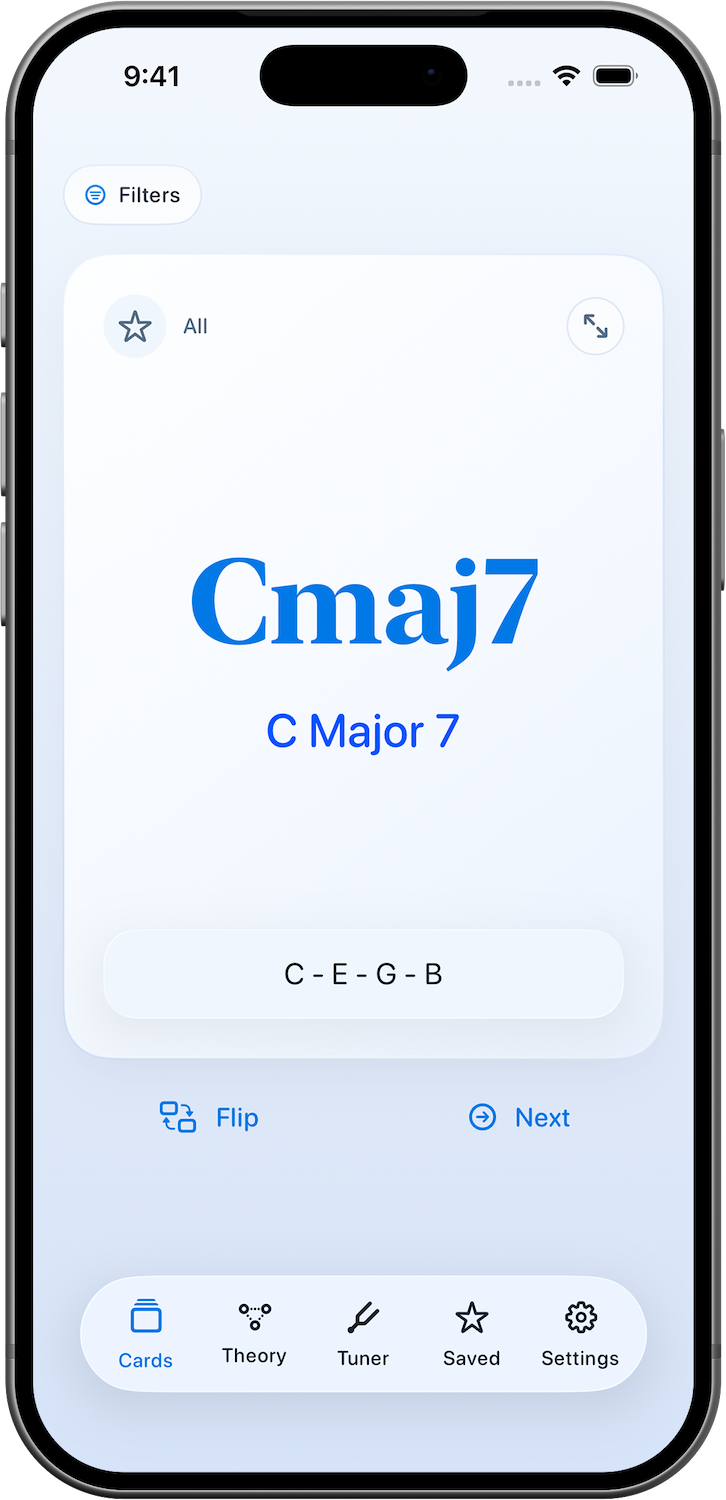
Chord Flashcards
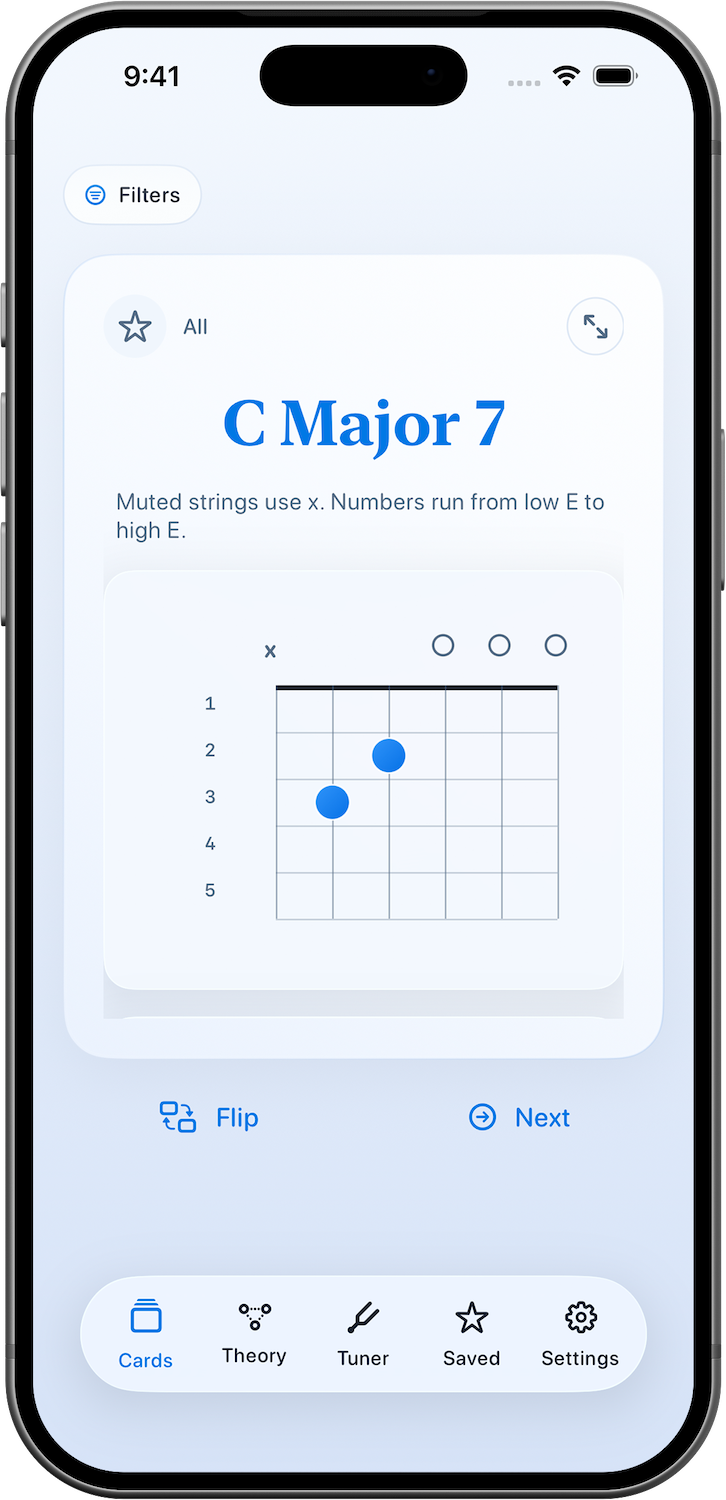
Review chord names, notes, inversions, and shapes in clean interactive flashcards. Use voice commands for “Flip” and “Next” to keep practicing hands-free.
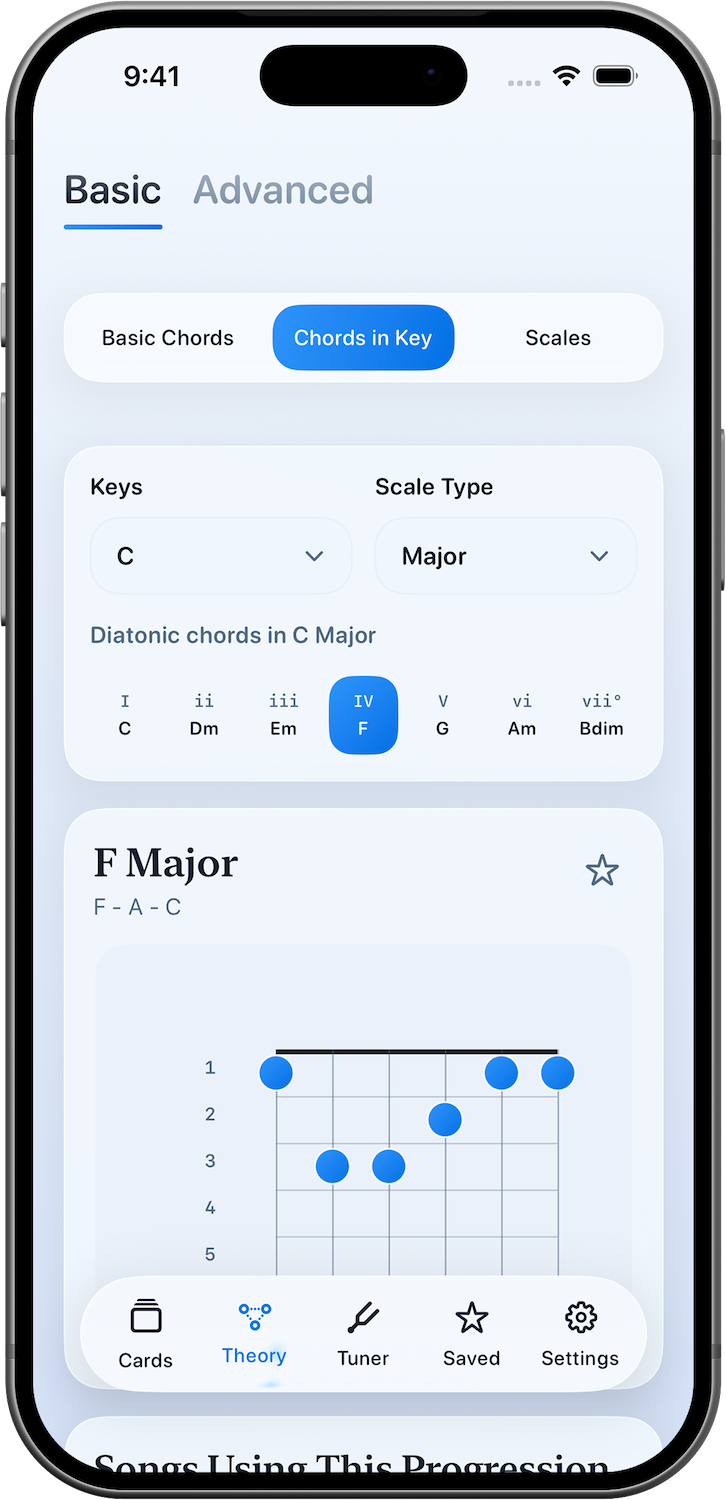
Diatonic Harmony
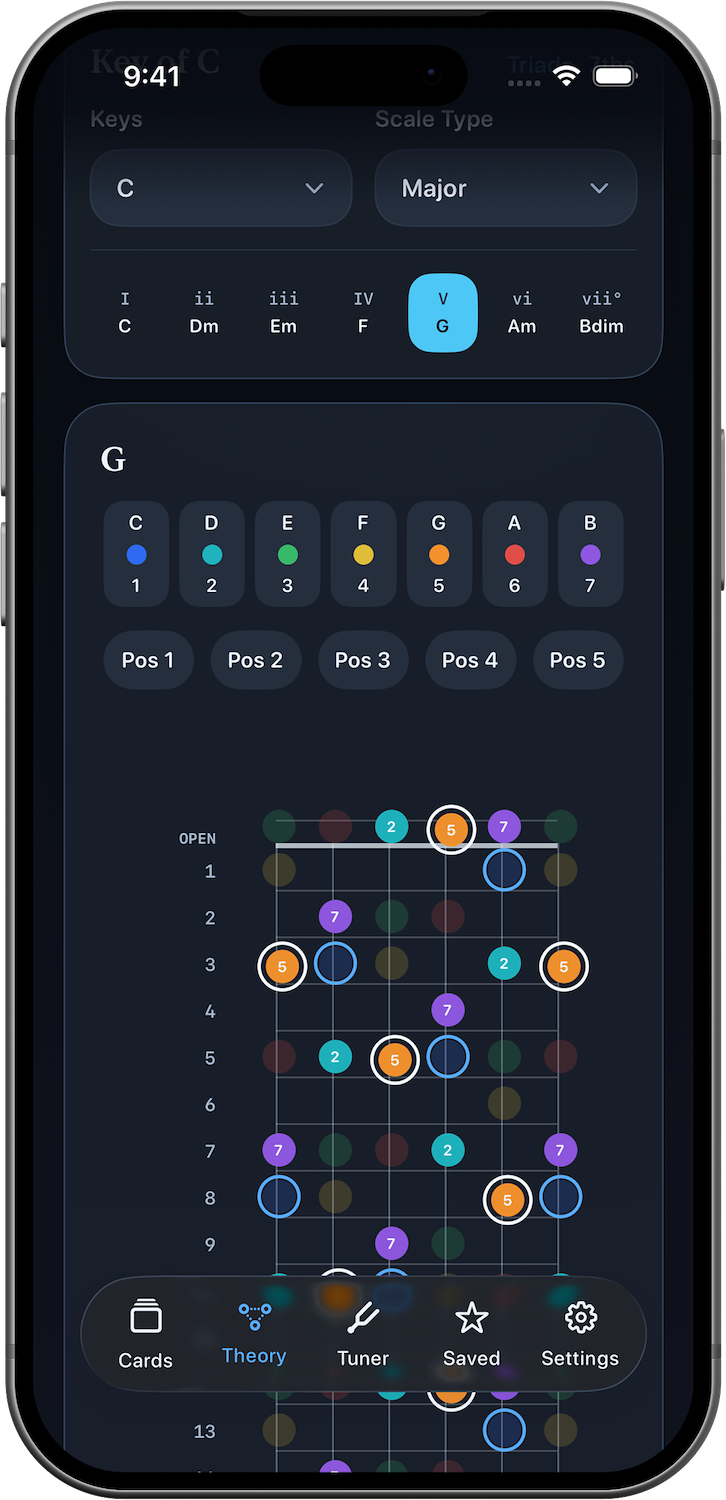
Explore diatonic harmony by scale degree and instantly see the notes and shapes of each chord. Accord makes it easier to understand how harmony works together inside a key.
Scale Mapping
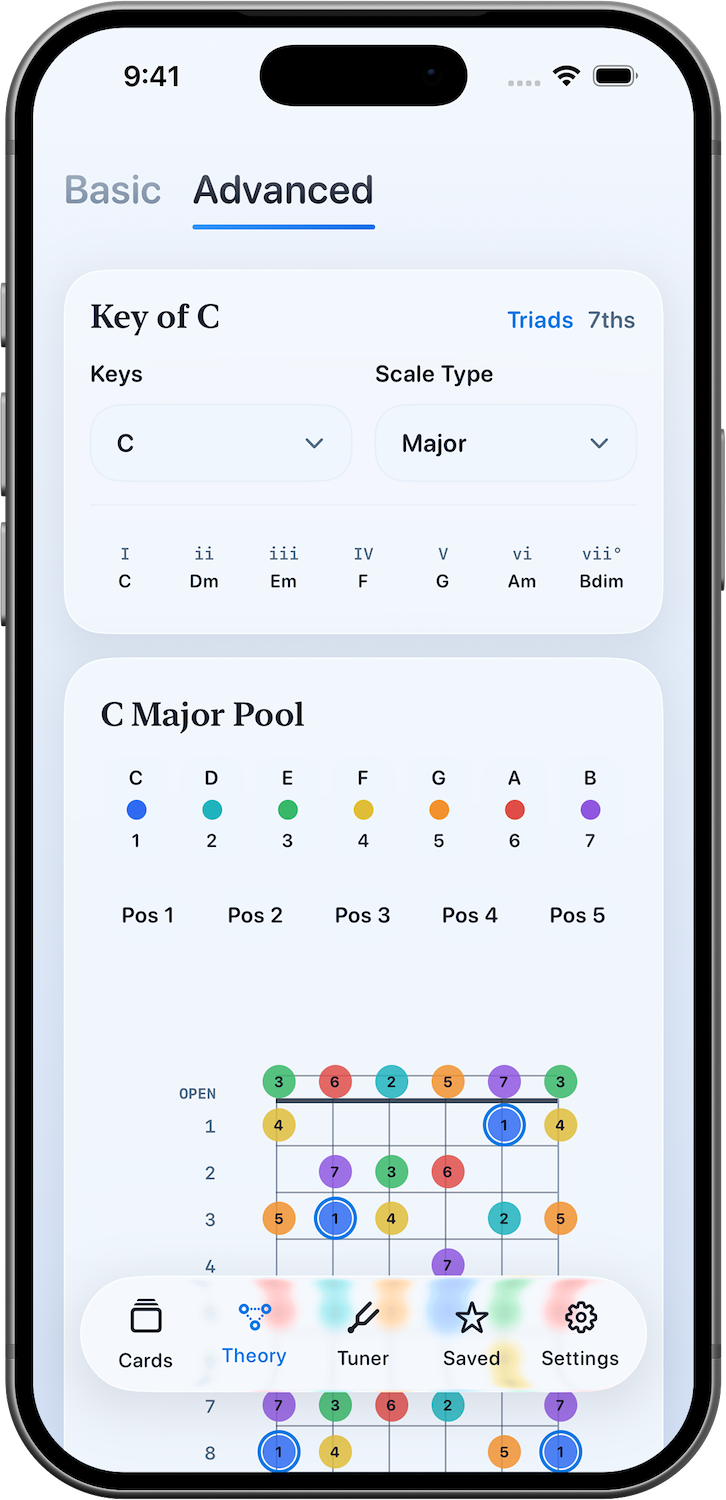
Advanced Mode turns scales, chord tones, fretboard positions, and key center into one connected map, so you can learn the neck as a system instead of memorizing isolated patterns.
Guitar Theory
Visualize chord tones, scale degrees, and fretboard position together in a focused theory view that makes harmonic relationships easier to follow during practice.
Intervals
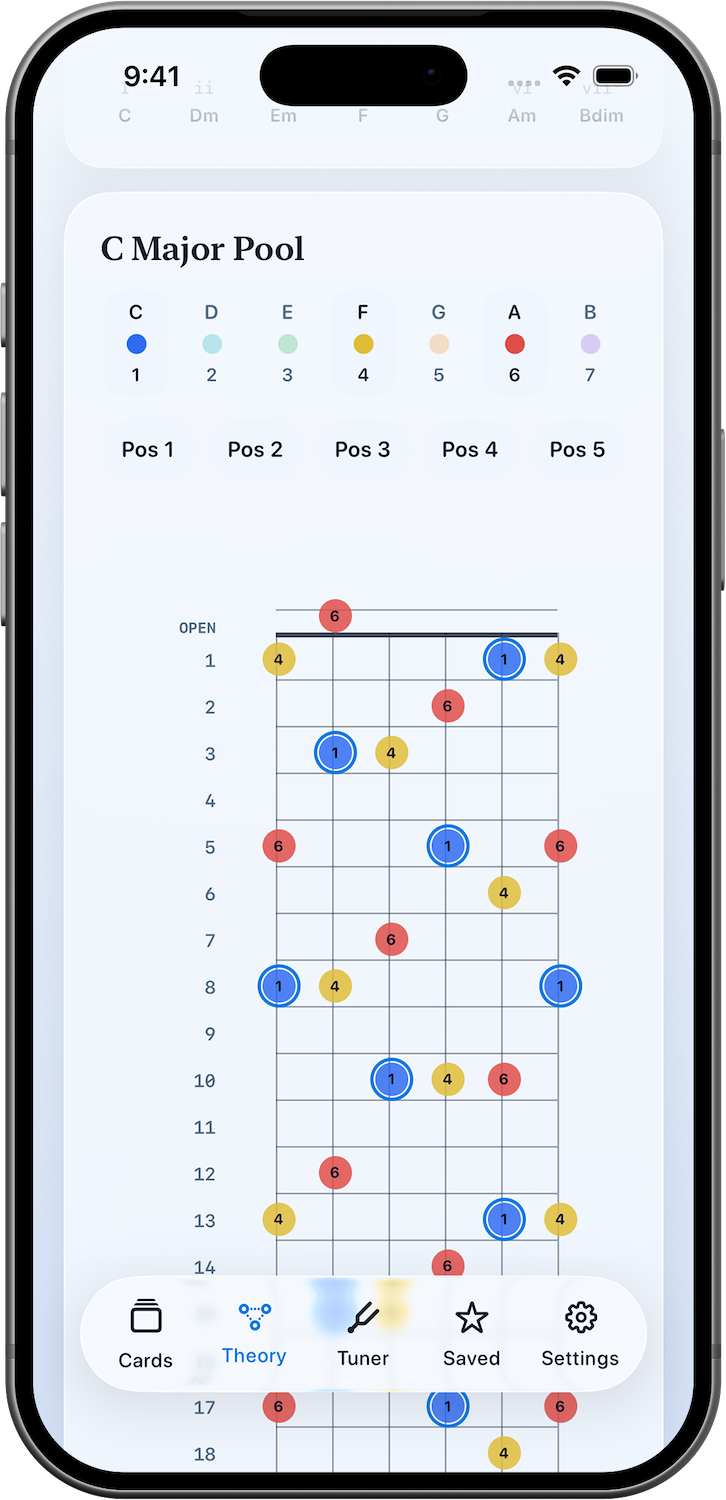
Toggle scale degrees on and off to isolate the exact note relationships you want to study. Build intervals, uncover patterns, and see how chord tones emerge from the scale.
Tuner
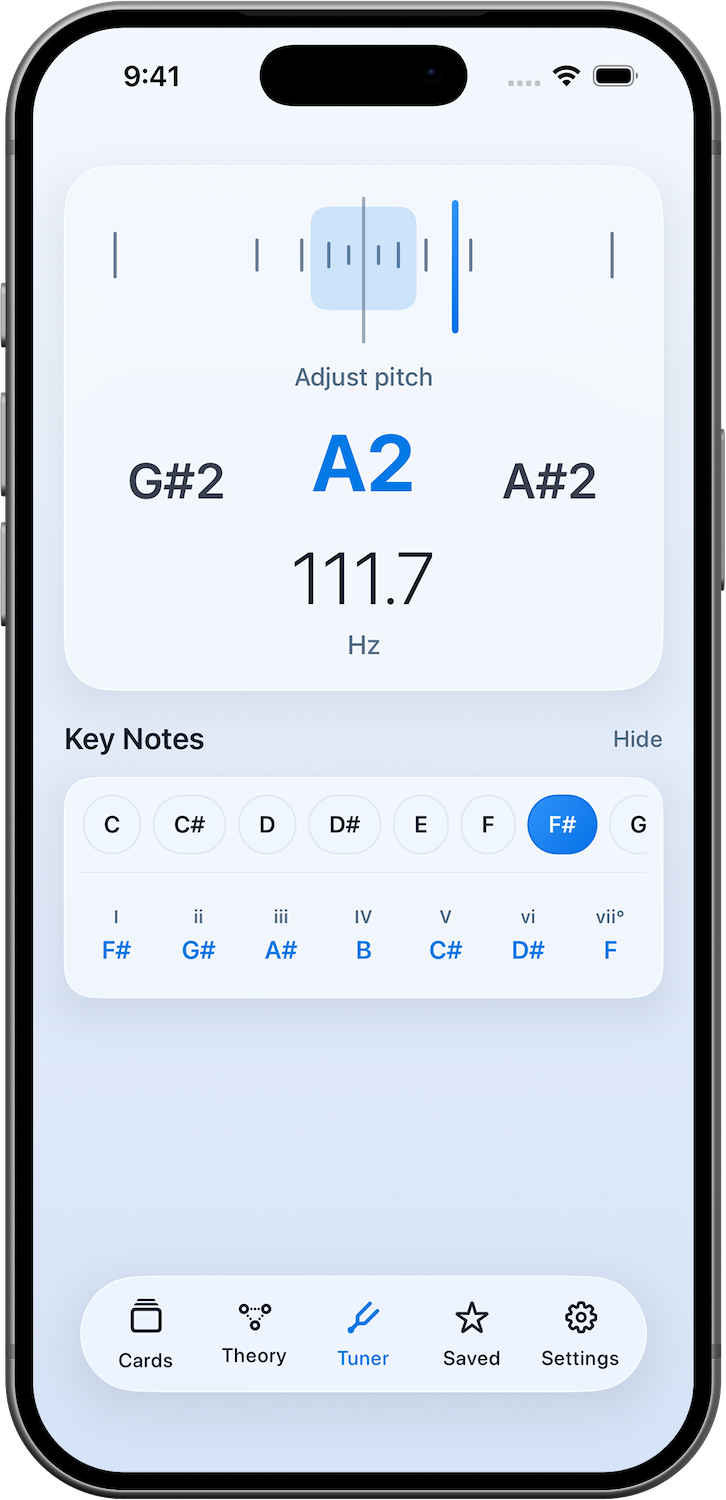
Tune precisely while viewing the notes and chord degrees that belong to the scale. It keeps ear training, theory, and tuning connected in one practice space.